 TrainAtlas
Choose TrainAtlas for a personal rail atlas you maintain on iPhone, Trainlog for a web diary across transport modes, or Viaduct for detailed railway coverage and web tools. All three can put journeys on a map. The useful differences are how you add records, explore them and take your data elsewhere.
This comparison is written by the TrainAtlas team. Features were checked on 13 October 2026 using TrainAtlas's 1.0.7 release source and simulator reproduction, plus the competitors' official documentation and public pages. It is not a performance test of three accounts. Screenshots distinguish our example records from the competitors' own illustrations.
Compare the main differences
| What matters to you | TrainAtlas | Trainlog at trainlog.me | Viaduct |
|---|---|---|---|
| Where you keep your log | Native iPhone app | Browser diary | Browser application |
| Travel focus | Rail journeys | Trains, buses, trams, metro, ferries and flights | Rail, heritage railways and supported ferries |
| Journey maps | Saved routes on a personal atlas | Network routing with editable waypoints | Railway routing with via stations and free map waypoints |
| Bringing in records | Supported CSV formats, including Trainlog and Viaduct | Trainlog CSV, GPX and My Flightradar24 | CSV, Rail Planner links and Träwelling |
| Taking records out | Trip and leg details as CSV | CSV; GPX and GeoJSON tracks | Free CSV; Patron GPX, GeoJSON and KML |
| Exploring your history | Distance, countries, operators, Passport and achievements | Travel statistics, network coverage and leaderboards | Network and station coverage, rolling stock and pass costs |
| Sharing and movement | Share cards; Pro replay of an individual saved route | Shared links, tag playback and map posters | Share images and optional profiles; Patron animated videos |
| Free and paid access | Recent-trip logging and CSV export; Pro for older additions, all-time statistics, replay and supported live tracking | Donation-supported; premium flight features | Free core logging; Patron extras |
Sources: Trainlog overview, Trainlog homepage, Trainlog map poster update, Viaduct features and Viaduct tiers. Check current plans for a feature you particularly need; prices depend on the product, storefront and billing option.
Choose TrainAtlas for a native iPhone rail atlas
TrainAtlas brings your railway map, saved trips, statistics and Passport into one iPhone app. You can look up a supported service, add a journey manually or start from a supported CSV. That suits a traveller who wants to maintain a rail history from the same phone they carry on the train.
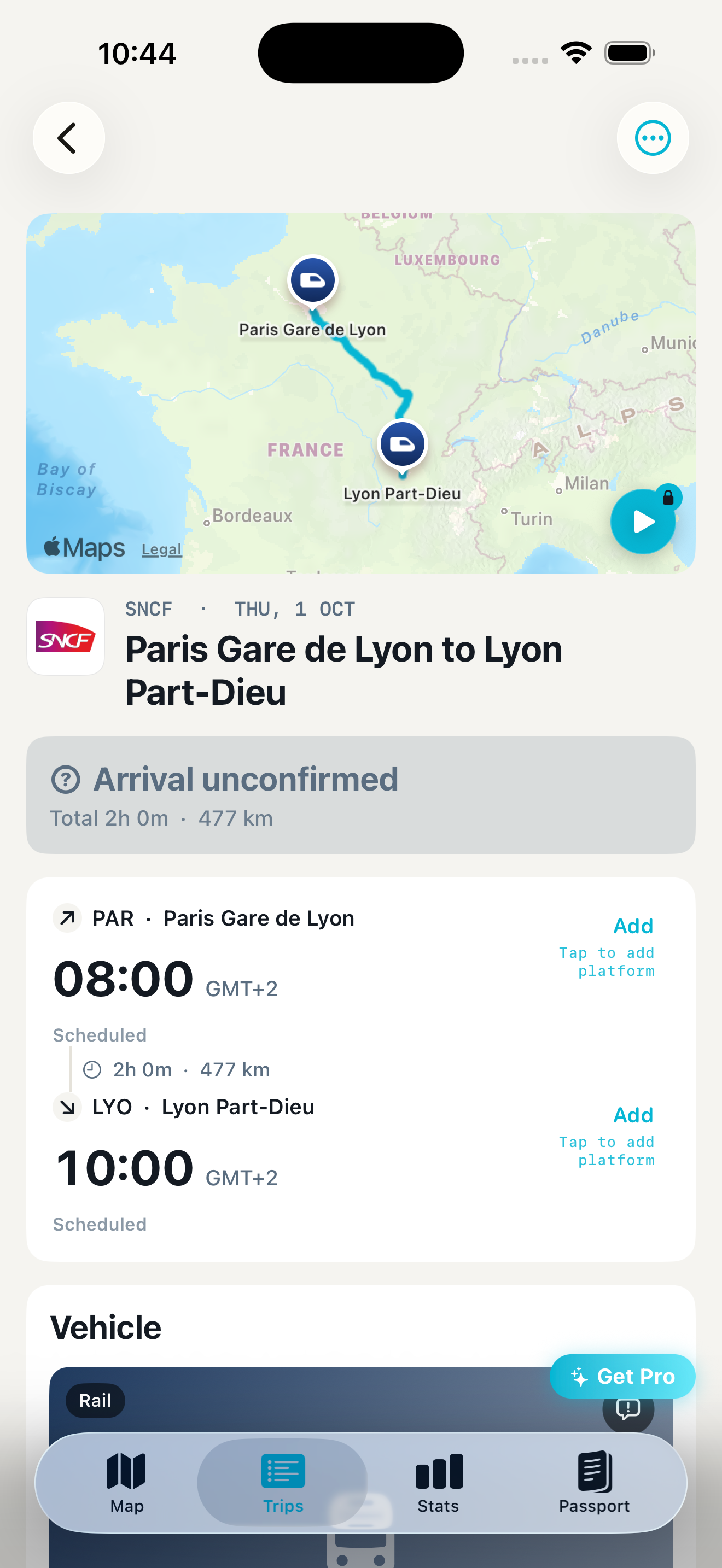
The route detail keeps scheduled and actual information distinct. Missing actual arrival information remains unconfirmed. A saved record and a route on a map are useful even when a historical service's running information is unavailable.
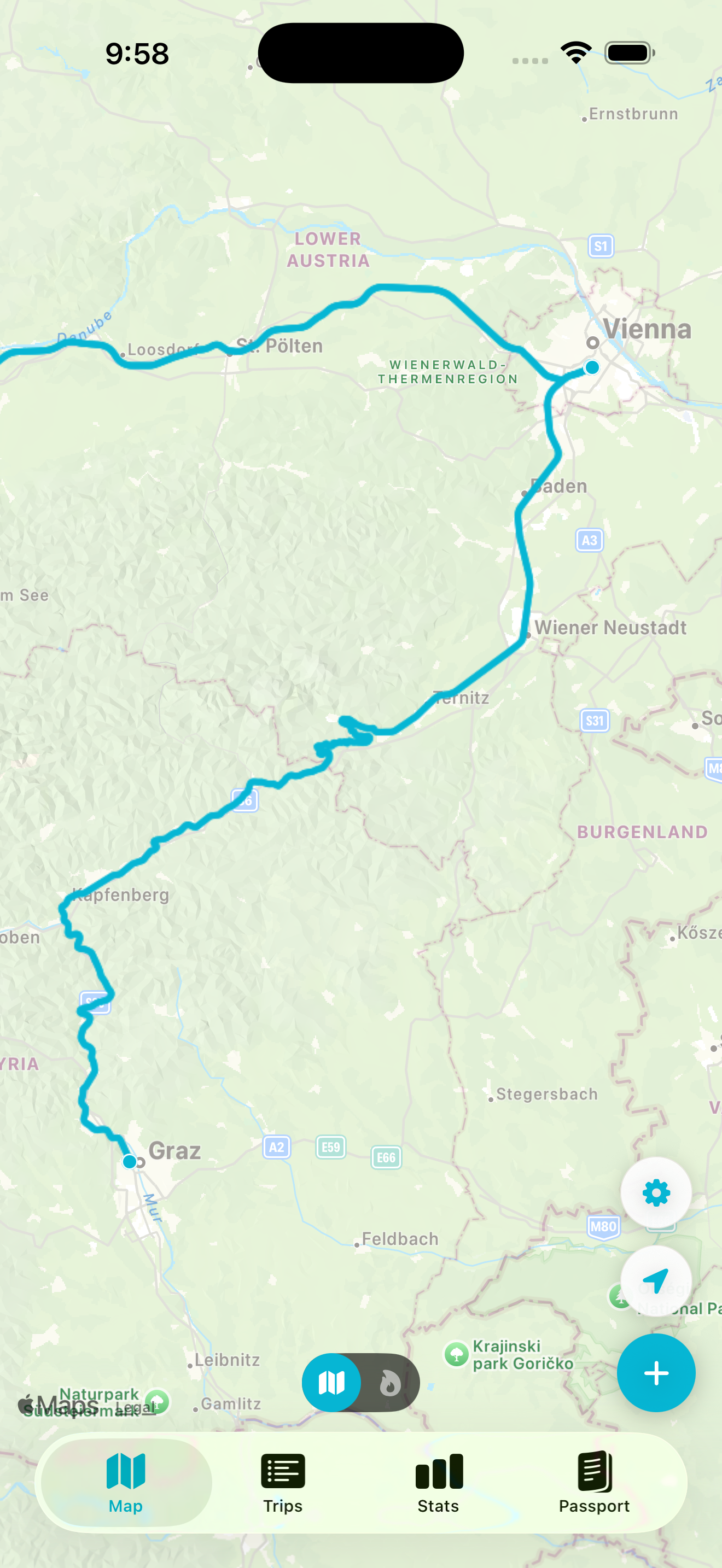
The free history window needs care. You can add journeys from the past 12 months for free, including supported recent CSV records. Saved journeys stay on your map as they age. Free statistics cover a rolling 12 months. Pro lets you add older journeys, view all-time statistics, replay saved routes and use supported live tracking. These are separate limits, so an old trip remaining visible does not mean every historical feature is free.
No separate TrainAtlas account is required. The app has optional iCloud synchronisation, so describing every record as stored only on one device would be misleading. Review those settings when deciding how to keep your history. TrainAtlas is built for iPhone; see its App Store listing for device requirements and subscriptions.
Choose Trainlog for travel across transport modes
Trainlog is useful when a railway journey is one part of a wider travel diary. Its homepage presents mixed-mode maps, operator and station statistics, railway network coverage and community leaderboards.
Its documentation describes editable network routes, separate plans, collaborative tags and chronological tag playback. Routing duration is a theoretical minimum, not a timetable. Account and shared-trip visibility controls let you choose what others can see. Premium features listed there concern flight altitude and live flight tracking.
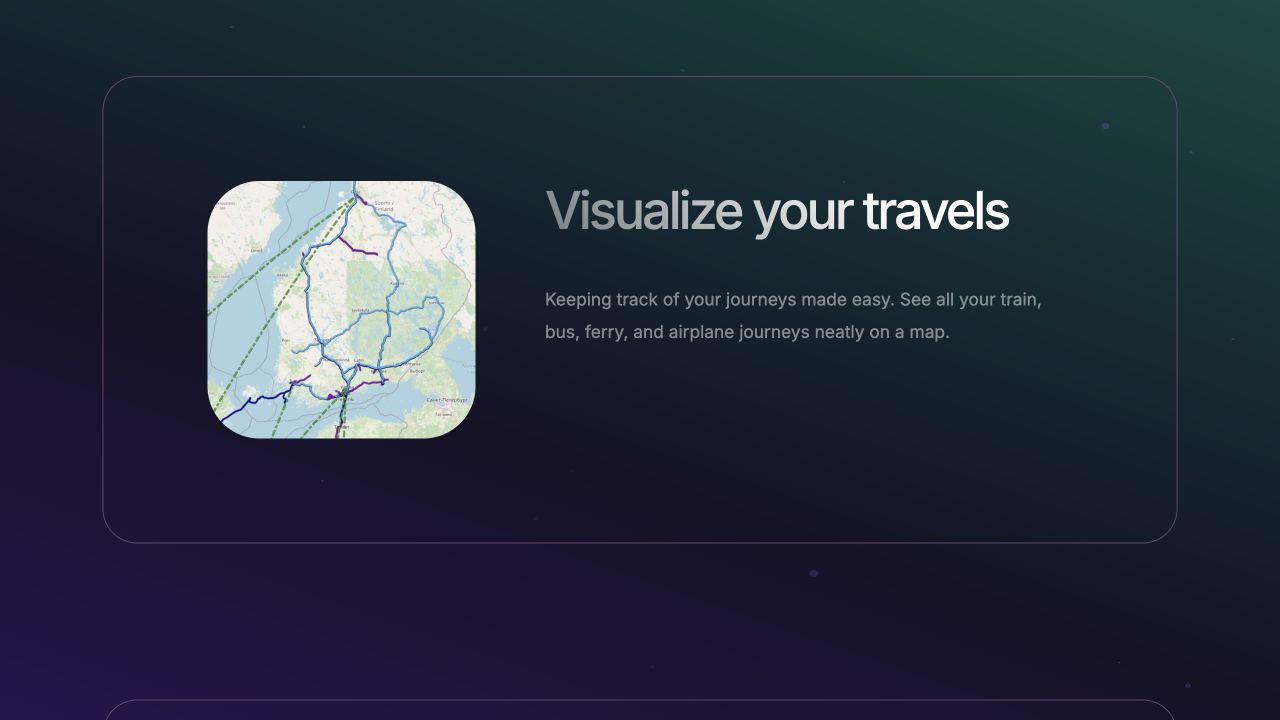
Trainlog added a map poster export in its August 2026 update. Creating a shareable travel picture is therefore not unique to TrainAtlas.
Trainlog at trainlog.me is the product discussed here. TrainLog Express and similarly named apps are separate products.
Choose Viaduct for railway coverage and detailed web records
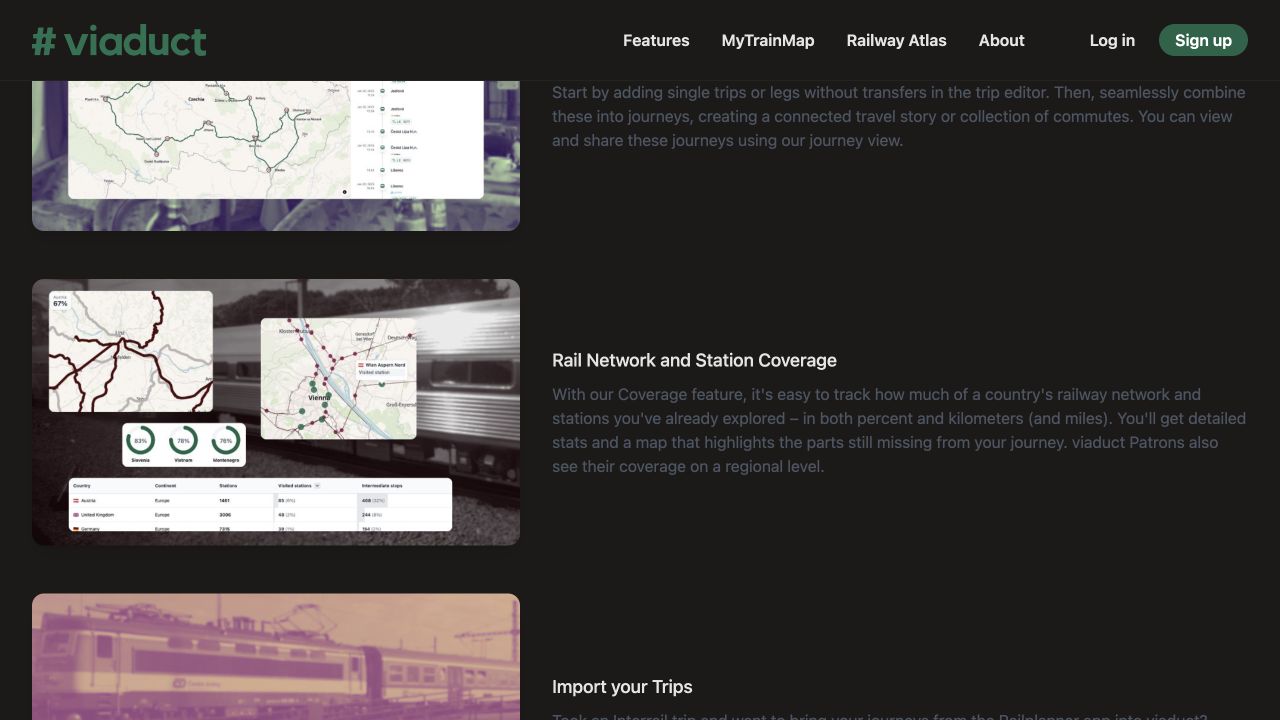
Viaduct suits a traveller who asks which railway lines and stations they have covered. Its features page describes coverage maps, timetable-assisted entry, editable routes, rolling stock, ticket costs and journey groupings. Patrons can also see regional coverage. That is a different collecting goal from simply counting countries or total kilometres travelled.
Its current tier list includes unlimited train trips, the personal map and CSV export on Free. Patron adds route-file and video exports. Creating trips from tickets or PDFs uses a monthly credit allowance. Its Rail Planner sharing-link import is relevant for Interrail histories; TrainAtlas's CSV support does not imply support for that same link.
A browser diary does not make your records automatically public. Viaduct describes social profiles as optional and supports sharing selected journeys while keeping other records private. Review visibility before posting a link.
Compare import and export before moving your history
TrainAtlas recognises several CSV formats, including Trainlog and Viaduct. The importer previews eligible records and identifies older rows that require Pro. That is a starting point for migration, not a promise that every field from another app will transfer.
TrainAtlas's Settings > Download my data creates a CSV of saved trip and leg details, including stations, dates, operator, timing, distance and notes. It does not contain the route polyline, so this export should not be described as equivalent to GPX or GeoJSON tracks.
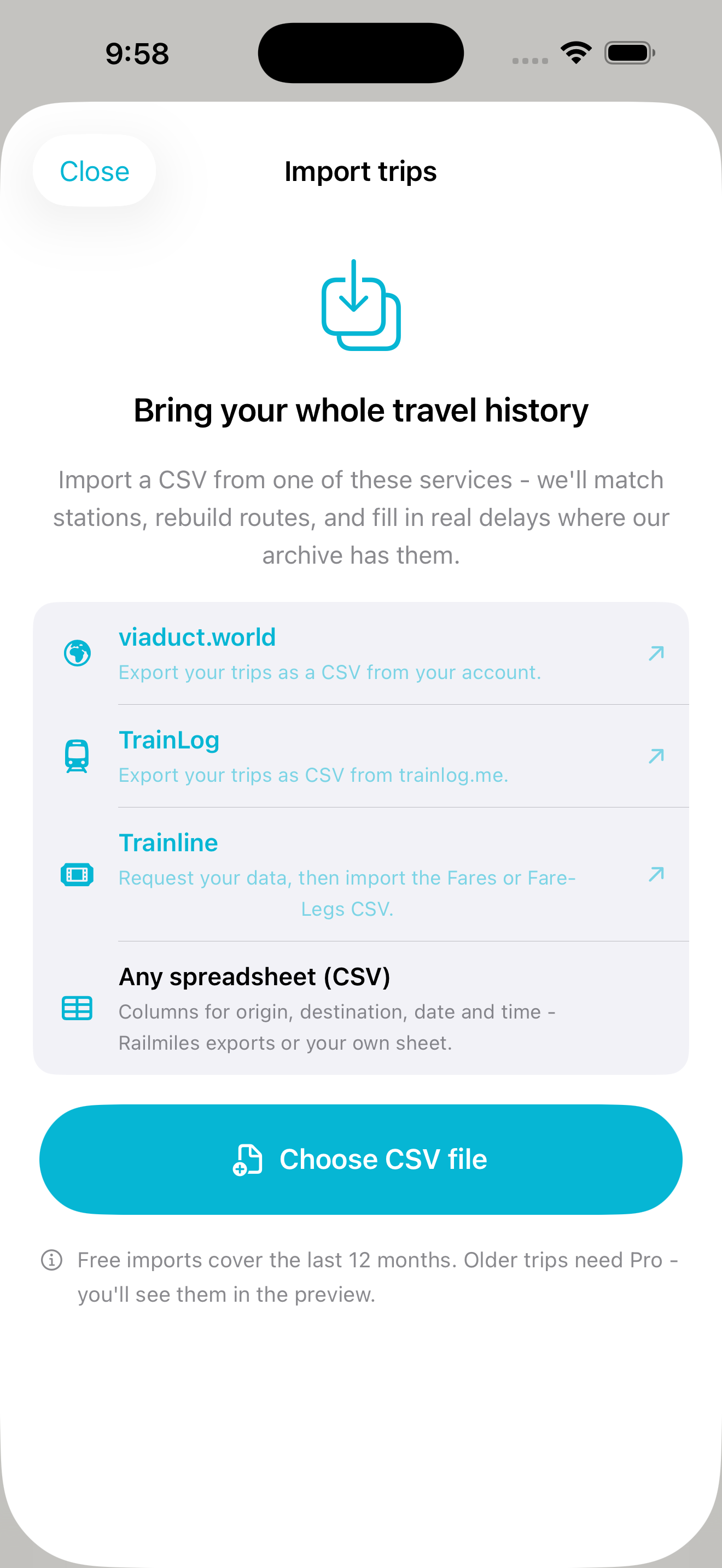
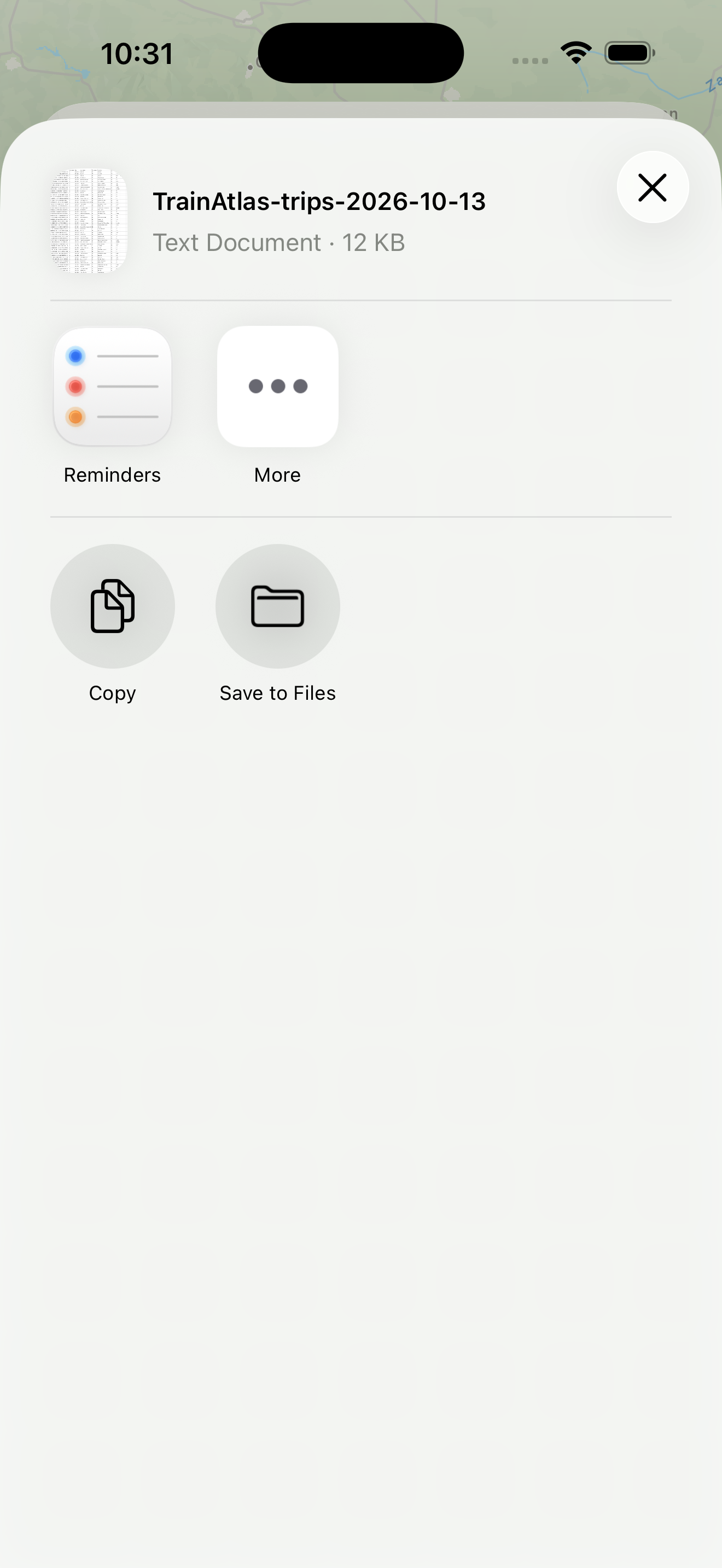
Before switching, keep an original export and test a small selection: one ordinary journey, an overnight service, a transfer and an older record. Compare dates, stations, direction and leg counts. Confirm what happens to notes and actual times. Social connections, coverage scores, tags and achievements should not be assumed to migrate with a CSV.
Check routes and live features separately
All three products offer railway-following routes. That alone does not prove the exact path of an older or diverted train. Use known intermediate stops and the available editing controls to review an unusual journey. Avoid treating a polished line as evidence of historical accuracy.
TrainAtlas Pro supports live information, platform updates and Live Activities where service data is available. Our platform and delay guide explains setup and limits.
Trainlog documents manually recorded delays and a live map of travellers. Those descriptions do not establish operator-fed iPhone alert delivery. Viaduct's tier list labels live running data, delay tracking and delay statistics as rolling out. We have not tested its current operator coverage. Check support for your own service before relying on live information.
If today's train status is your main need, our broader train app guide compares that different task.
Which should you try first?
Start with TrainAtlas if you want to keep a rail atlas on iPhone. Start with Trainlog if your diary spans several travel modes or collaborative trips. Start with Viaduct if network completion, station coverage and detailed web records are central to your hobby.
Use a journey you know to make the decision. Compare the record, the route, the free-tier limits and the export you can keep. You can try TrainAtlas with recent journeys before deciding whether your older archive needs Pro. Our train journey map guide walks through getting started.